Case study

Mobile Travel app design
Summary

Designed a mobile travel app to help

travelers with specific health and/or identity needs

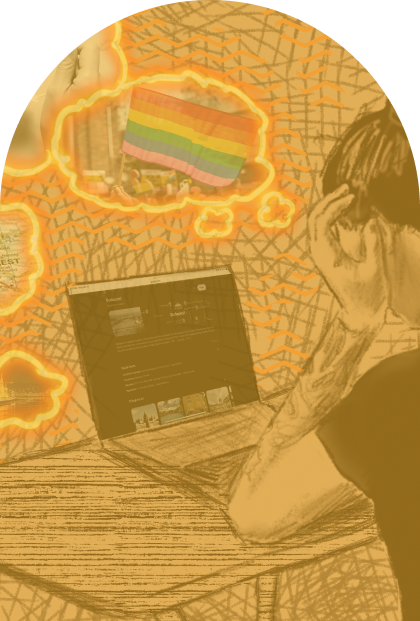
more easily find places at their destination (via crowd-sourced reviews from other travelers with overlapping needs) where they feel safe and able to immerse themselves.

Examples of travelers with specific health and/or identity needs: travelers who are immunocompromised, have disabilities, chronic illness, allergies, specific identities or characteristics, etc that may cause challenges or safety concerns while traveling.
  • Executed independently within 5 weeks

  • Used Figma, Figjam, Google docs, Procreate, and Photoshop

Assignment

  • To design a mobile app that helps users with planning travel in a “post-covid world.”

  • I had recently observed friends who are immunocompromised struggling with finding lodging, restaurants, and activities while traveling that felt safe for their health.

  • This inspired me to design an app to help people like them more easily plan their travel.
User interviews

Affinity diagram

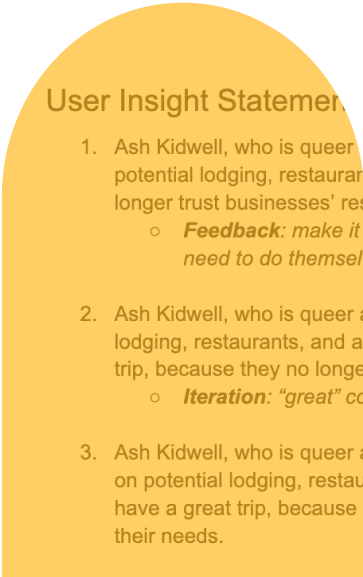
User insight statement

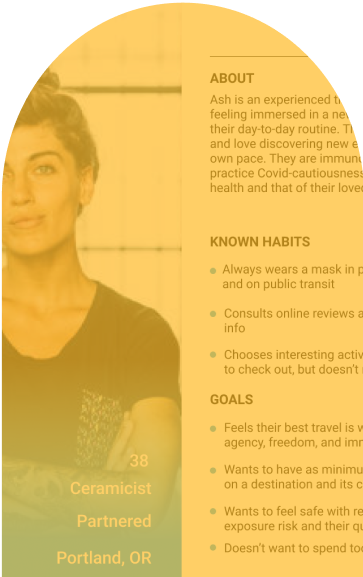
User persona

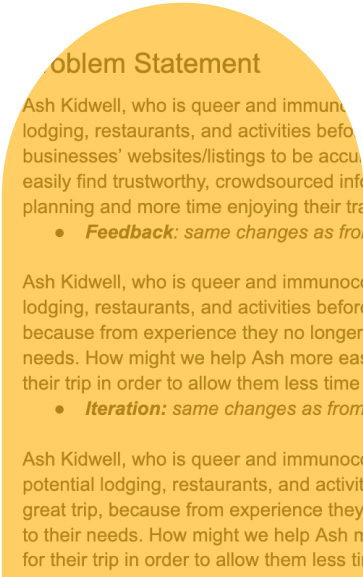
Problem statement

Feature prioritization matrix

Value proposition canvas

User journey mapping

Storyboarding

I like, I wish, What if

User flow mapping

Wireframing

Prototyping

Remote moderated tests

Remote unmoderated tests

Iterations

Research

Starting hypothesis

Going into my research, I expected that travelers with specific needs, particularly around disability and health conditions, would need the app to provide

net-new functionality

from existing apps.

Examples:

  • Info on traveling with medications

  • Accessing medical services or medications abroad

  • Government requirements for traveling to prevent transmission of Covid-19
User interviews

I screened for interviewees with

extensive travel experience

and

specific needs that are difficult to research for.

This user trait was targeted to ensure my interviews produced rich data sets about planning strategies they have used, what they still struggle with, and overall what types of travel experience they aim for.

Conditions or characteristics that businesses typically don't explicitly provide information around. Interviewees’ shared that they are chronically ill, disabled, LGBTQIA+, covid cautious, living with people with compromised immune systems, have learning and/or cognitive disabilities, and have allergies.

I conducted 5 user interviews that consisted of 21 set questions, specifically around:

  • Strategies for researching travel they currently use

  • Their ideal planning experience

  • Pain points before and during travel

  • How they want to feel during travel

Definition

By creating:
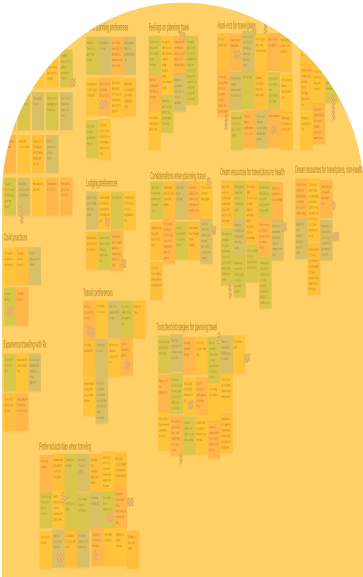
Affinity diagram

User persona

User insight statement

Problem statement

I found that my initial hypothesis was wrong:

    Instead of providing net-new functionality, I needed to provide an easier means to locate and centralize

    existing information and functionality.

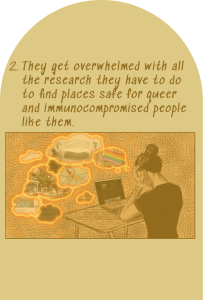
    Interviewees shared that they find crowd-sourced reviews of businesses to provide them with the info they need, but its scattered across different apps, social media sites, and forums. This makes it time consuming to locate while planning and near impossible to locate on-demand while traveling.

Ideation

Storyboarding

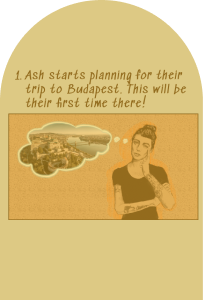
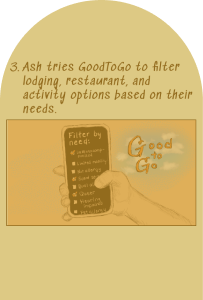
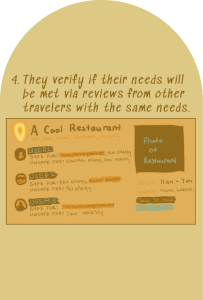
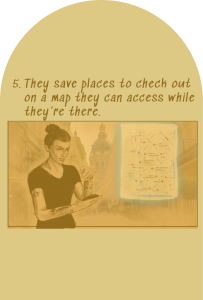
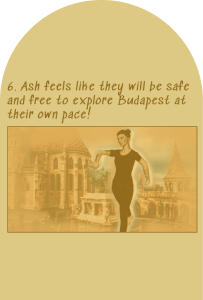
  • Leveraged the user persona as a through-line in creating a storyboard which addressed the defined problem statement

  • Realised not all parts of the problem statement were addressed in the storyboard, so then added one more user scenario

  • This enabled honing in on the most essential app functionality

Brainstorming

Now that I had a firm sense of what experiences the app needed to provide, I leveraged:

  • I like, I wish, What if

  • Feature prioritization matrix

  • Value proposition canvas

  • User journey mapping

This led me to understand I needed to build a platform on which users could:

  • Set up accounts

    saved with their health conditions, disabilities, and identities as tags

  • Submit reviews

    of businesses based on their tagged attributes

  • Browse for businesses at travel destinations

    which are prioritized in search results based off reviews from travelers with overlapping attributes
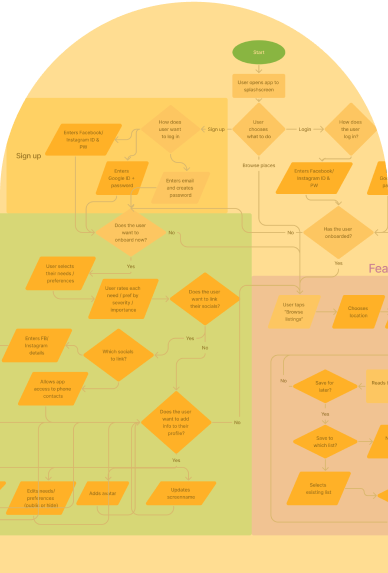
User flow

From my ideating, I determined the most critical user flows to map out are:

  • Onboarding

    : setting up their profile with their attributes

  • Search

    : finding businesses that are rated favorably on the user’s attributes

  • Business info

    : verifying that the business fits their needs by user-generated reviews

  • Submitting reviews

    : helping other users by rating a business after they’ve visited it on the user’s attributes

Design

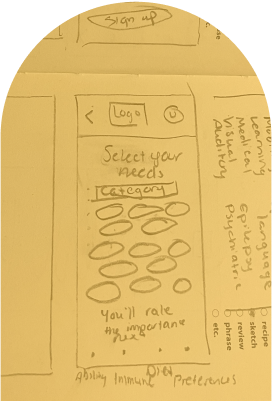
Wireframing

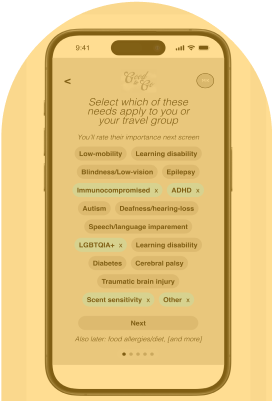
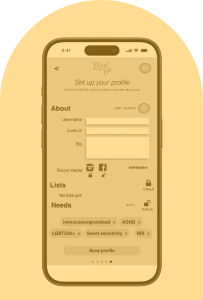
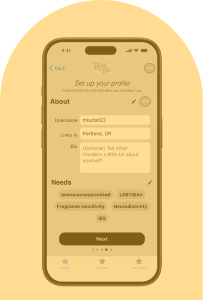
Onboarding

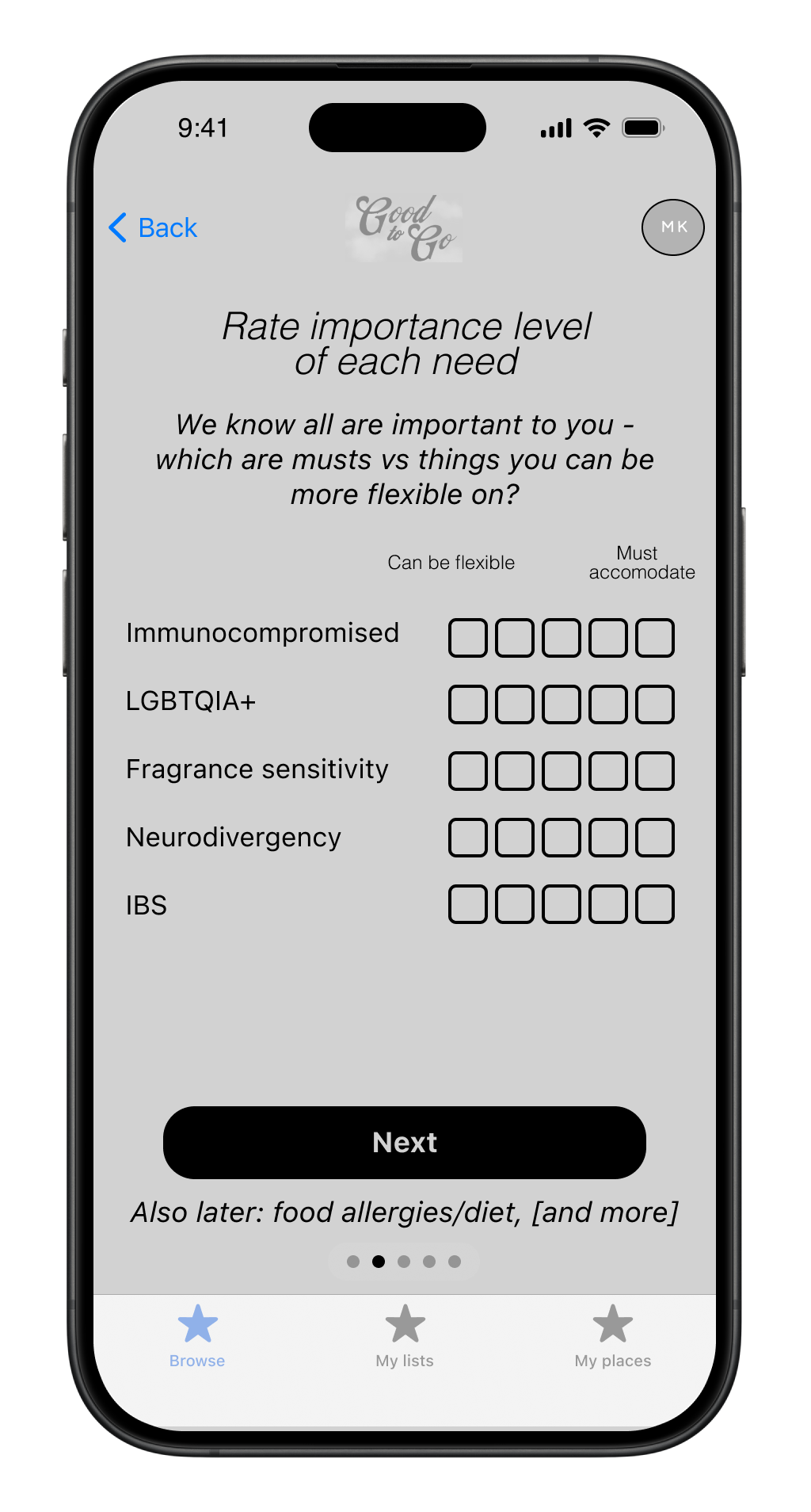
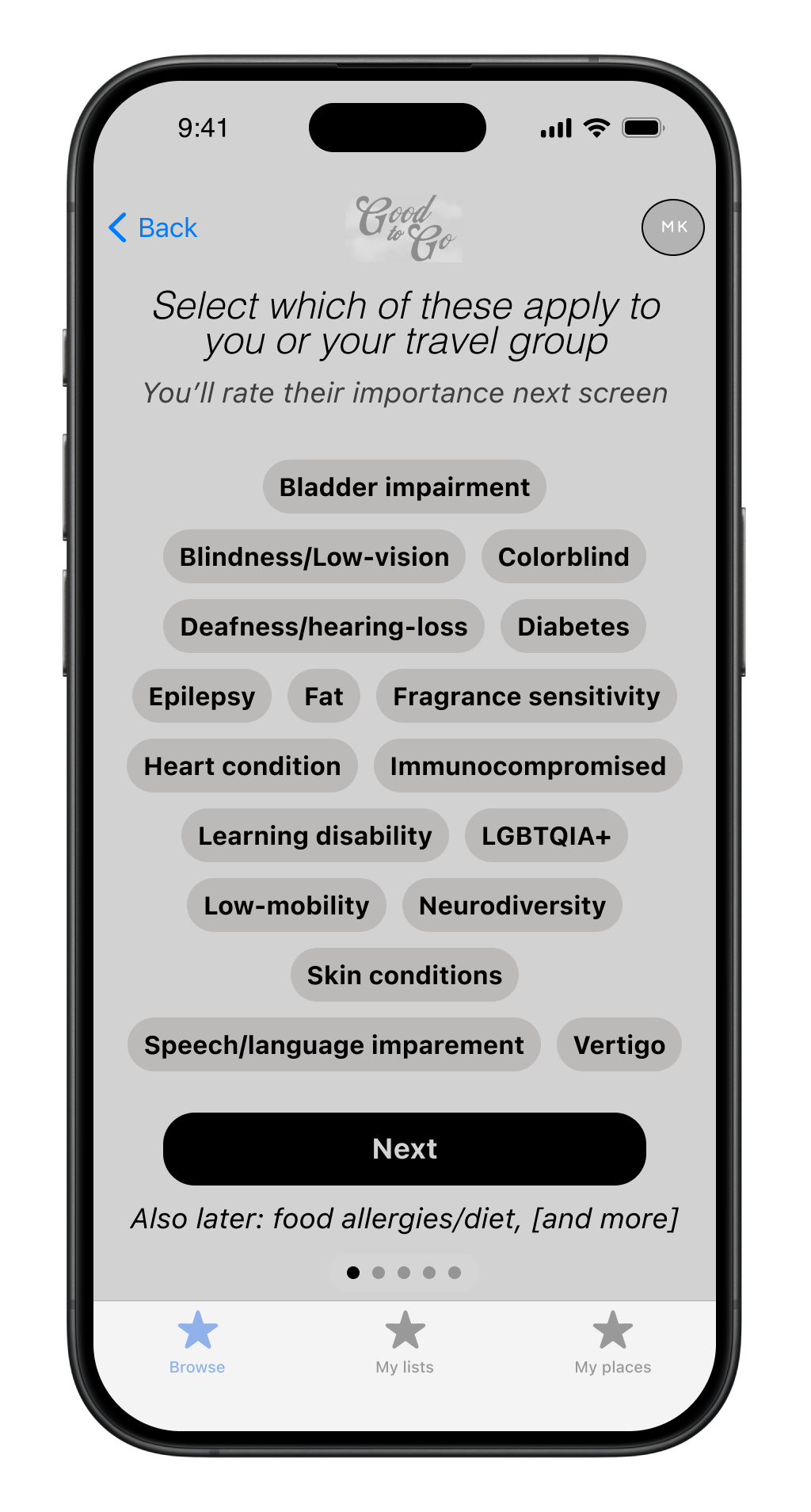
Leveraged the tag / wordcloud selection format typical for attribute selection

Strategically aimed to use common UI elements in order to ensure user base has no issues during this critical step.

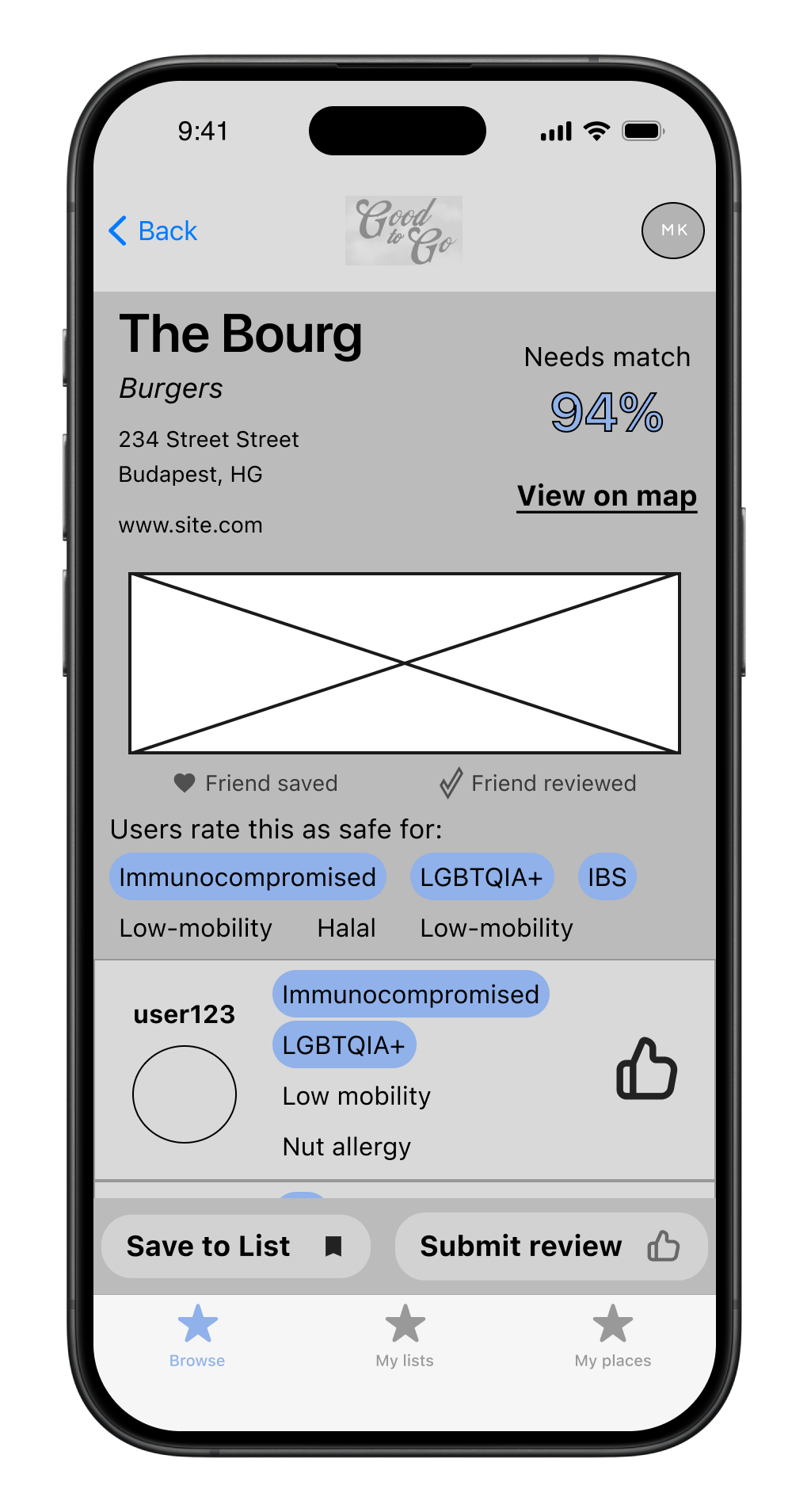
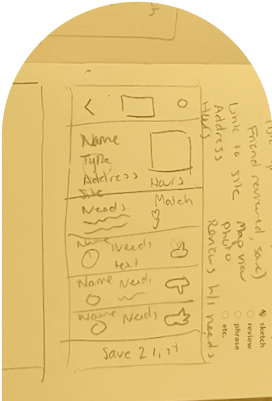
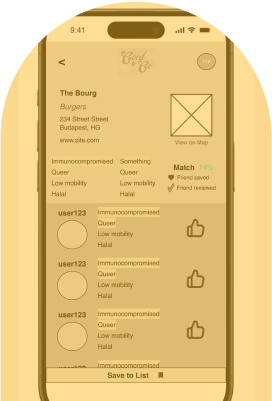
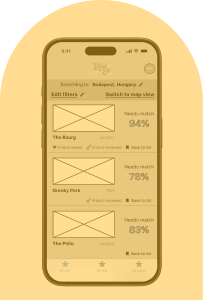
Business listing screen

Attempted to split the UX between info about the business and user reviews

Both of these elements were identified as critical to these users.

Prototyping

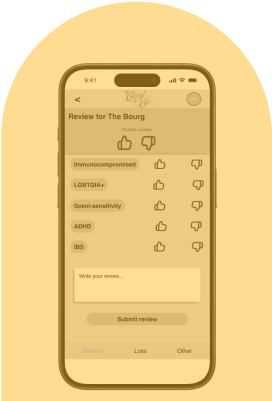
Reviewing

To encourage users to submit reviews, I recycled the UI from onboarding for ease-of-use and tried to keep the form as succinct as possible.

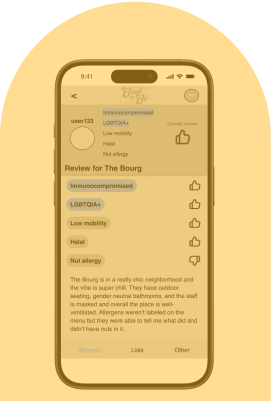
User reviews

I designed them to give preferential visual hierarchy to how the other user rated the business on the viewing-user’s attributes, and a condensed version that’s shown on the business listing page

Testing

Methodology

6 tests total, 5 tasks per test around performing common flows in order to understand:

  • If the flows are intuitive to users

  • If the UI is accessible to users with different cognitive/learning abilities

Findings:

  • Users struggled with the information organization and hierarchy

  • Buttons and text were too small

Iterations

Configure profile screen

Testers found this screen cluttered and unintuitive

I split the screen into 2 separate screens and minimized the number of icons used

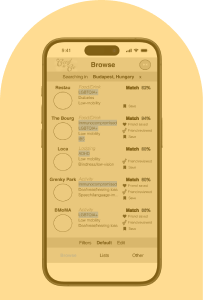
Browse businesses screen

Testers found this screen visually overwhelming

I resized and rearranged all the elements on this screen to better give hierarchy to the information the users needed

Business listing screen

Testers found this screen too similar to the browse screen

Testers couldn’t locate action buttons

I added more padding and spacing to nearly all elements to ensure users can easily find the actions and info they need

Contact

To discuss potential work, collaboration, or connection opportunities, you can contact me at: